

AI usage, beautifully clear

Stay ahead of every AI limit.

Usages turns quotas, reset windows, tokens, and cost into one calm, live view—so you always know what is available before you start the next task.

Built for iPhone · Private by default

Usages app icon
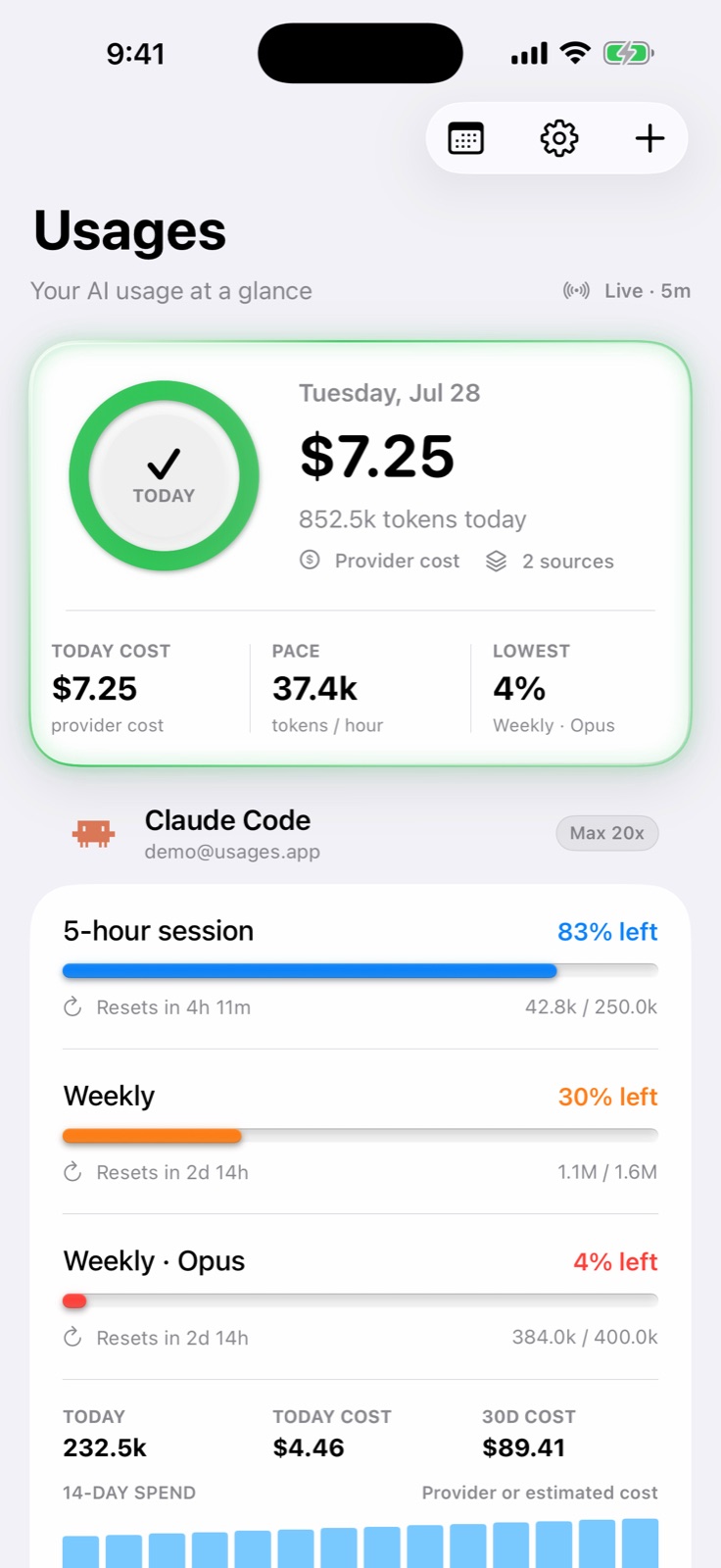
Usages dashboard showing AI quota and cost information

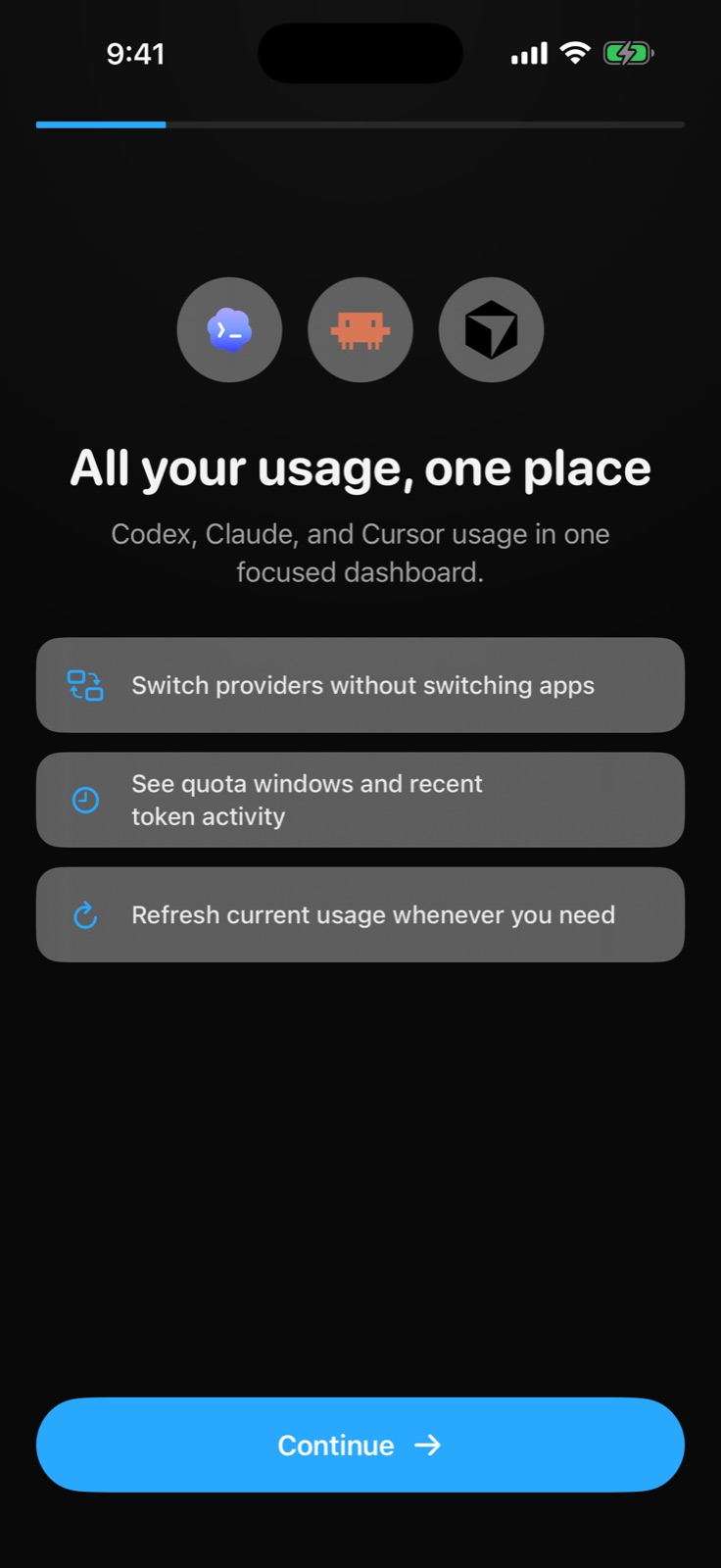
One view across the tools you use

Codex Claude Code Cursor

Designed for clarity

Everything important.
Nothing in the way.

Usages turns scattered provider data into a visual rhythm you can understand in seconds.

01

Live overview

Know what is left—at a glance.

See every quota window, reset time, token total, and cost summary in one dashboard. Color calls attention only when it matters.

  • Live status
  • Reset countdowns
  • Cost summaries
Usages live dashboard
02

Daily history

See your pace, not just a number.

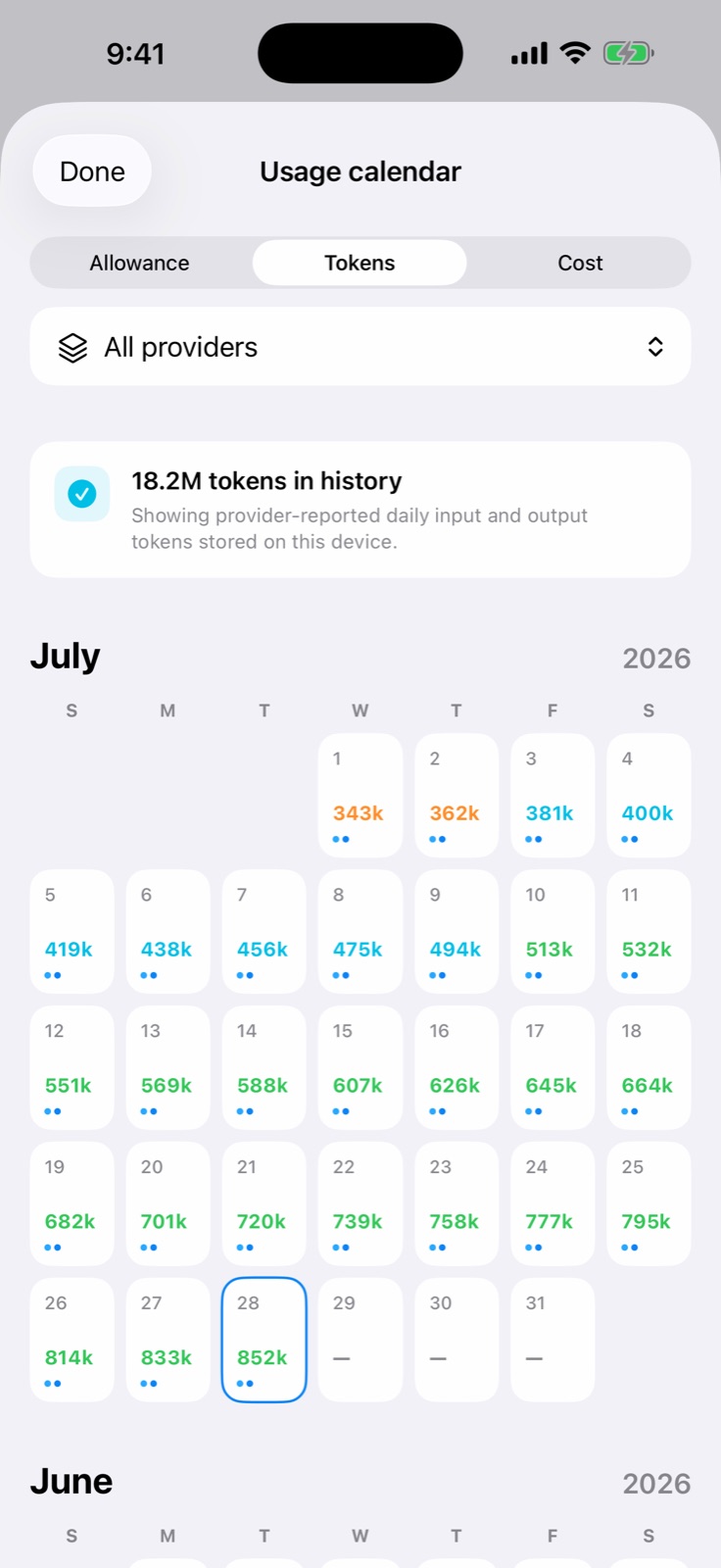
Move from today into a visual calendar of activity. Spot heavy days, understand momentum, and set a daily goal that feels useful—not judgmental.

  • Calendar history
  • Daily goals
  • Provider breakdowns
Usages activity calendar
03

Private by design

Your accounts stay on your iPhone.

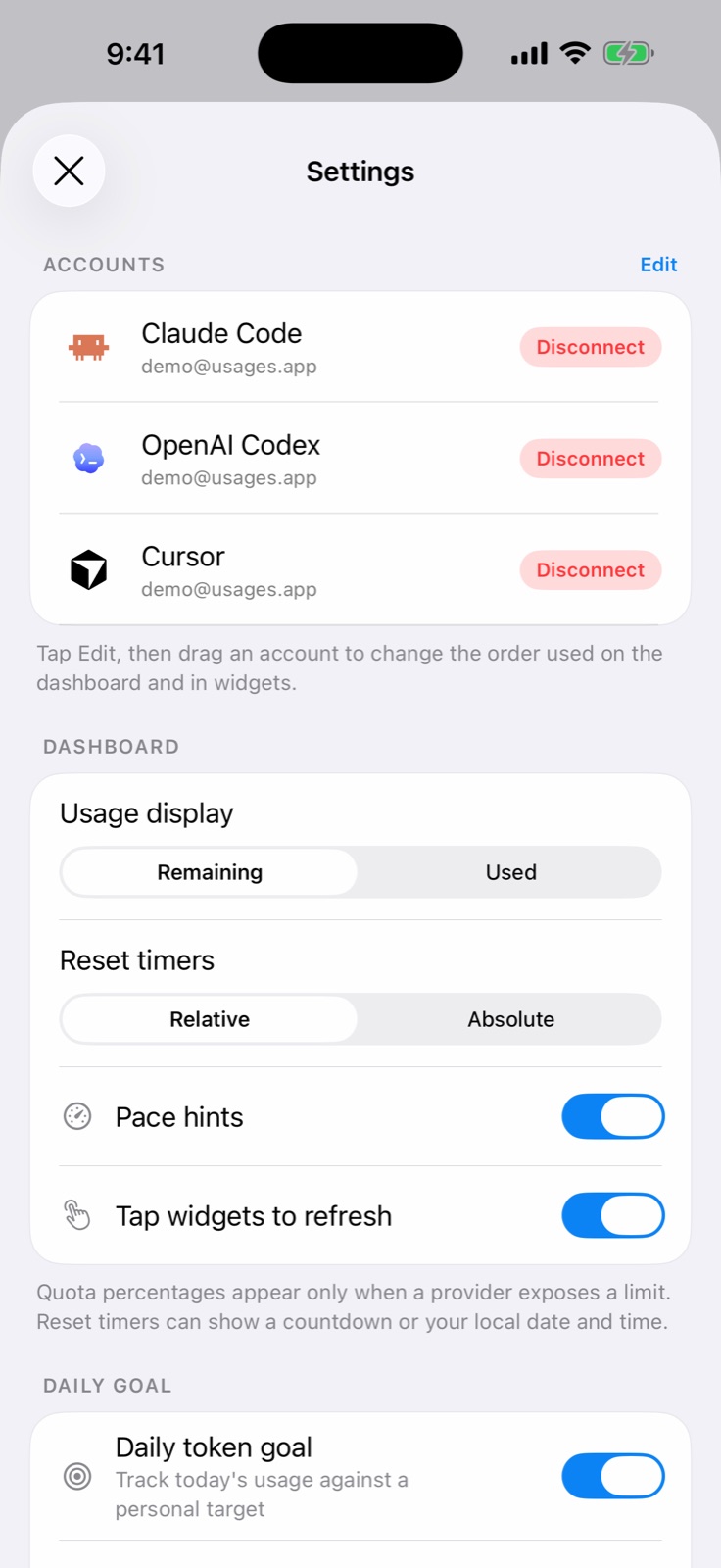
Credentials are protected in Keychain. History and preferences stay on device. There are no ads, analytics SDKs, or cross-app tracking.

Read the privacy policy

Usages for iPhone

Your AI usage deserves a better view.

Clear limits. Calm decisions. Your data stays yours.